Trip questions answered
The AI assistant recommends trips and answers questions about boats and fishing seasons.

FOR RESTAURANT & BAR OWNERS · CANCÚN
Recommend a boat trip with your restaurant’s QR or link. The AI booking assistant helps guests book; your dashboard shows credited bookings and applicable commissions.
Free. A short form, then we message you on WhatsApp.
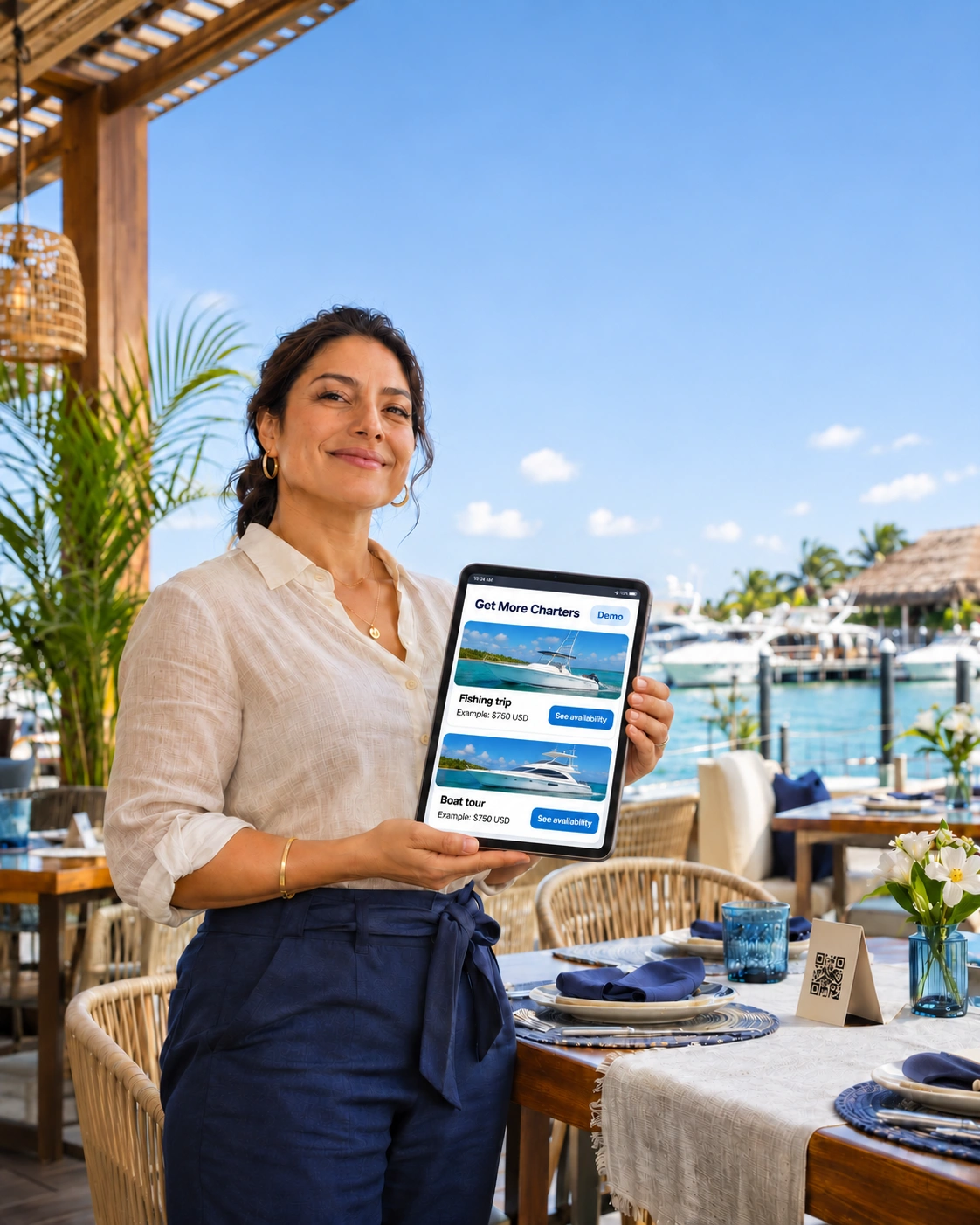
MORE FROM A HELPFUL RECOMMENDATION
The AI assistant recommends trips and answers questions about boats and fishing seasons.
Guests check real-time availability and get guidance through booking and payment.
See credited bookings and applicable earnings in your dashboard. Payment terms depend on your account setup.
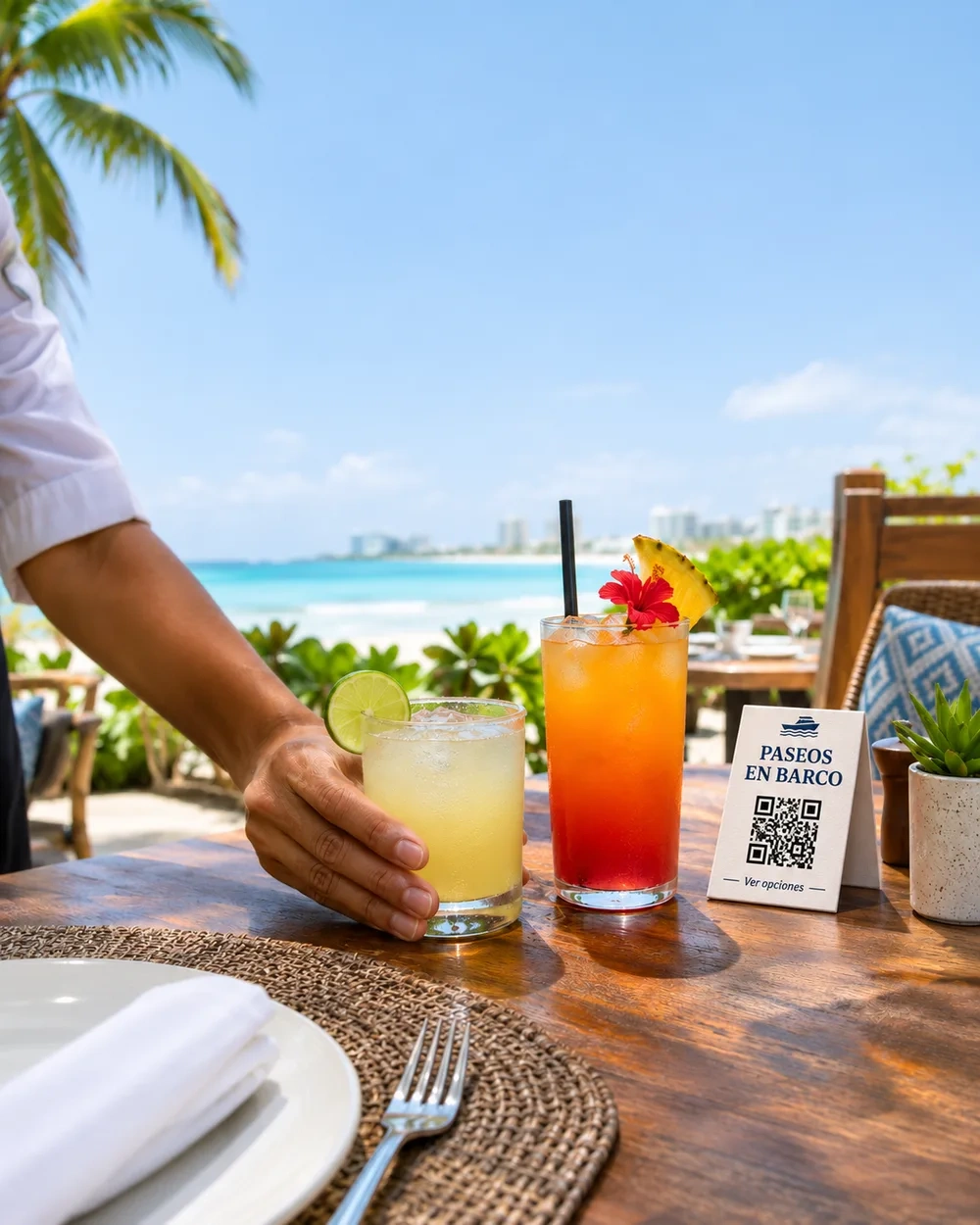
MADE FOR YOUR TABLES
Place your restaurant’s QR on tables or menus, or share its booking link. Use the link assigned to your business and test the QR before printing.
Earn commission on bookings at public prices, or set your own selling prices where enabled. Your account setup determines the pricing rules and payment terms.
GETTING STARTED
About 3 minutes, in Spanish. Tell us about you and choose to share a link or sell trips.
Travis or the team answers your questions and sets you up.
Set up for you, free.
Guests open your link and the chat helps them in English and Spanish. Every guest you send is recorded under your link.
FAQ
Use the QR or booking link assigned to your restaurant. Follow the bookings attributed to your business in your dashboard.
It recommends boat trips, answers questions about boats and fishing seasons, checks real-time availability, and guides guests through booking and payment.
Bookings credited to your restaurant and applicable earnings.
Earn commission on bookings at public prices, or set your own selling prices where enabled. Your account setup determines the pricing rules and payment terms.
Your account setup determines payment terms. Cancellations and refunds can affect earnings and the amount due.
The photo QR is illustrative. Use a QR connected to your restaurant’s confirmed booking link and test it before printing.
SHARE OR SELL
Tell us about you and choose how you want to earn. We follow up on WhatsApp. The form is in Spanish.